The protection is in
the architecture.
Every parental-control app I looked at was a filter bolted onto
a system designed to defeat it. So I didn't write one.
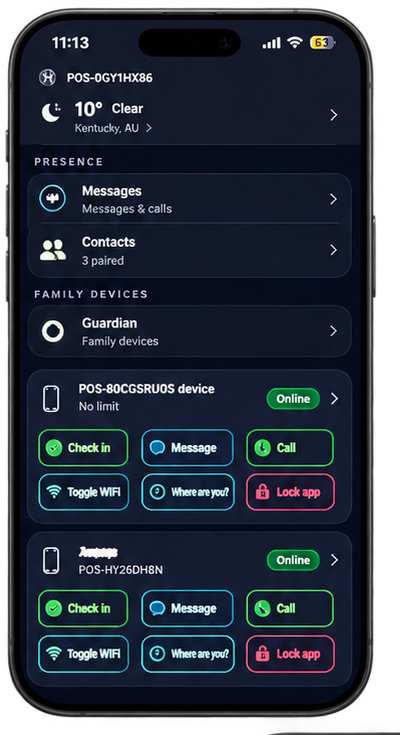
PresenceOS is not an app. It's a fork of Android — our own signed system image in which the stock SystemUI, Settings and notification system have been replaced outright, so the phone boots straight into PresenceOS with nothing underneath it to escape to. You run Guardian Relay on the phone already in your pocket. The protection comes from what the operating system can and can't do, not from a filter running on top.
NFC Contacts Only
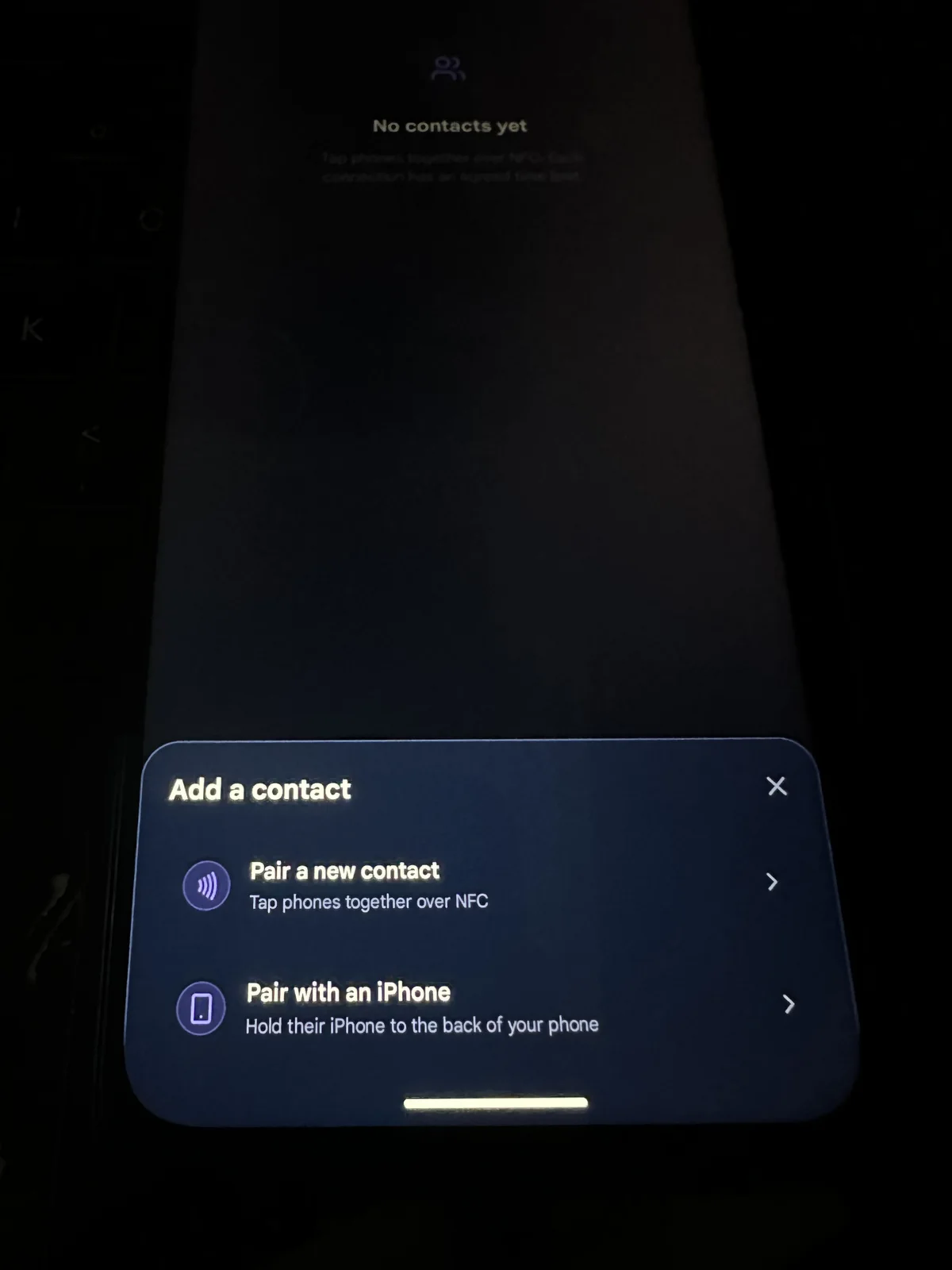
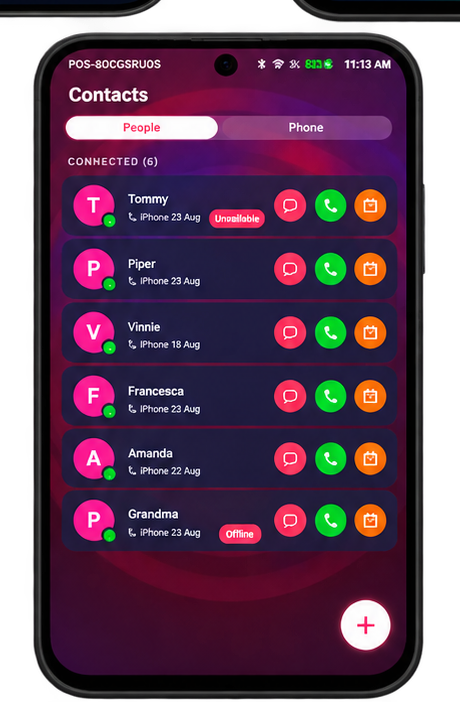
Your child adds a contact by physically tapping phones together — NFC, both sides agreeing. There is no search, no follower requests, no public profile for anyone to find. The contact list ends up being exactly the people your child has met in person and chosen.
1-to-1 by Design
Every conversation is between two known, physically-paired people. There are no public feeds and no recommended content, because the code for them was never written. A parent can explicitly enable group chats for things like school projects, but they never exist by default.
Approved Numbers · 111 Always Works
Not everyone lives in the PresenceOS world, and they don't have to. As a guardian you can approve regular phone numbers your child can call — grandparents on a landline, a coach, whoever you decide. And 111 always works: emergency calling is never gated behind anything, ever.
Remote Family Connections
Some of the people your child should talk to aren't close enough to tap phones with. Guardians can approve remote contact connections with family members and friends who install Guardian Relay on their own phones — the cousin in another city, the grandparent overseas.
For those remote connections I'm building a novel, secure and very personal identity-verification method — one that stays between you, your child and the other person, relying on no external source of truth. Being honest about where it's at: it is not in shared builds yet; it's actively evolving in my dev environment.
Conversation Safety
If a child feels uncomfortable, they can report a thread. The thread freezes immediately and the parent is notified — but the conversation is not automatically exposed. It gets reviewed when parent and child sit down together, with the child granting access. I built it this way on purpose: the child keeps their dignity, and the parent still gets there in time.
No Third-Party Apps
Installing apps isn't possible on PresenceOS, because I never wrote an installer. That sounds flippant, but it matters: TikTok and Instagram aren't blocked by a filter your child can defeat. The mechanism to install them does not exist on the device, so there is nothing to bypass.
There's a second reason, and any parent with an ordinary Android phone knows it: "what is that app, what is that notification, why is my phone so slow now?" Every third-party app is someone else's business model running on your child's phone. I chose functionality before profit and safety before privacy breaches — so the phone stays fast, does just enough to be genuinely helpful to your family, and is absolutely useless to anyone hoping to profit from your data.
Social Access — On Your Terms
From the companion app, parents can toggle social-style logins and features on and off at the system level, not the app level. You aren't asking your child to stop; you're deciding what the device does. The toggle works remotely and takes effect without touching the phone.
Still Everything They Need
Calls, messages, camera, navigation, music, video calls and offline gaming all work — and calls and messages are end-to-end encrypted. Your child gets a capable phone; what's missing is the machinery built to keep them scrolling. I'm not against kids having technology. I'm against technology built to use them.
Kids forget PINs.
Parents reset them.
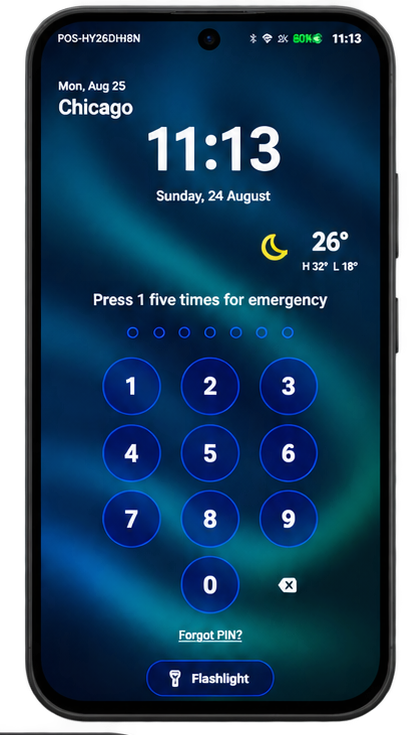
On PresenceOS a parent can reset a child's device PIN directly, because the parent is a registered companion. No support line, no factory reset, no lost data — the recovery path runs through you.
myCloud backup covers the harder case: if a device is lost or broken, contacts, messages and data restore to a new device with companion approval. Backups are encrypted shards stored on trusted contacts' devices — nobody, including me, can read them.
One button. Two phones.
Both people agree.
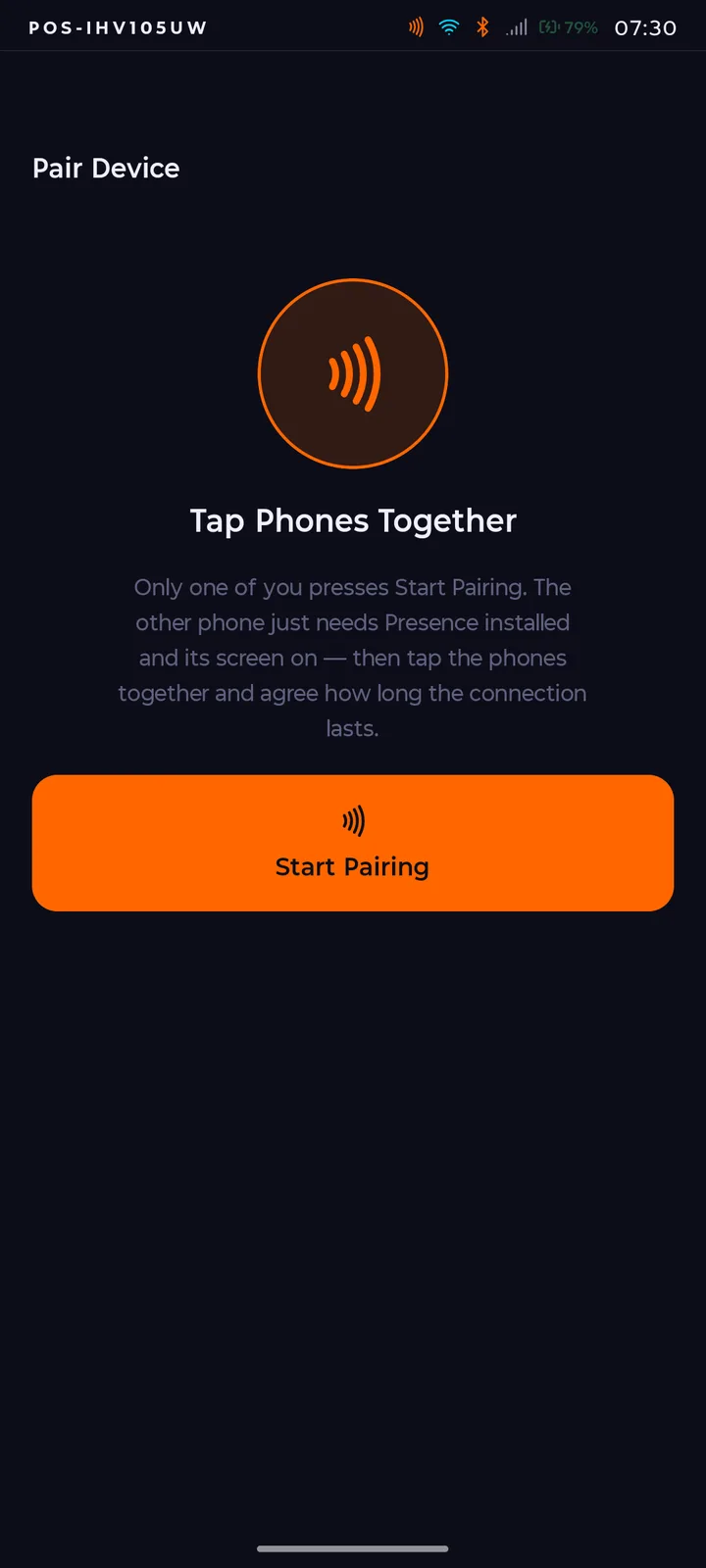
Adding a contact on PresenceOS is a physical act between two people, and the app explains it better than any marketing copy I could write. Straight from the pairing screen: "Only one of you presses Start Pairing. The other phone just needs Presence installed and its screen on — then tap the phones together and agree how long the connection lasts." That's the whole model. No username search, no requests from strangers, no way to be found by someone your child hasn't stood next to.
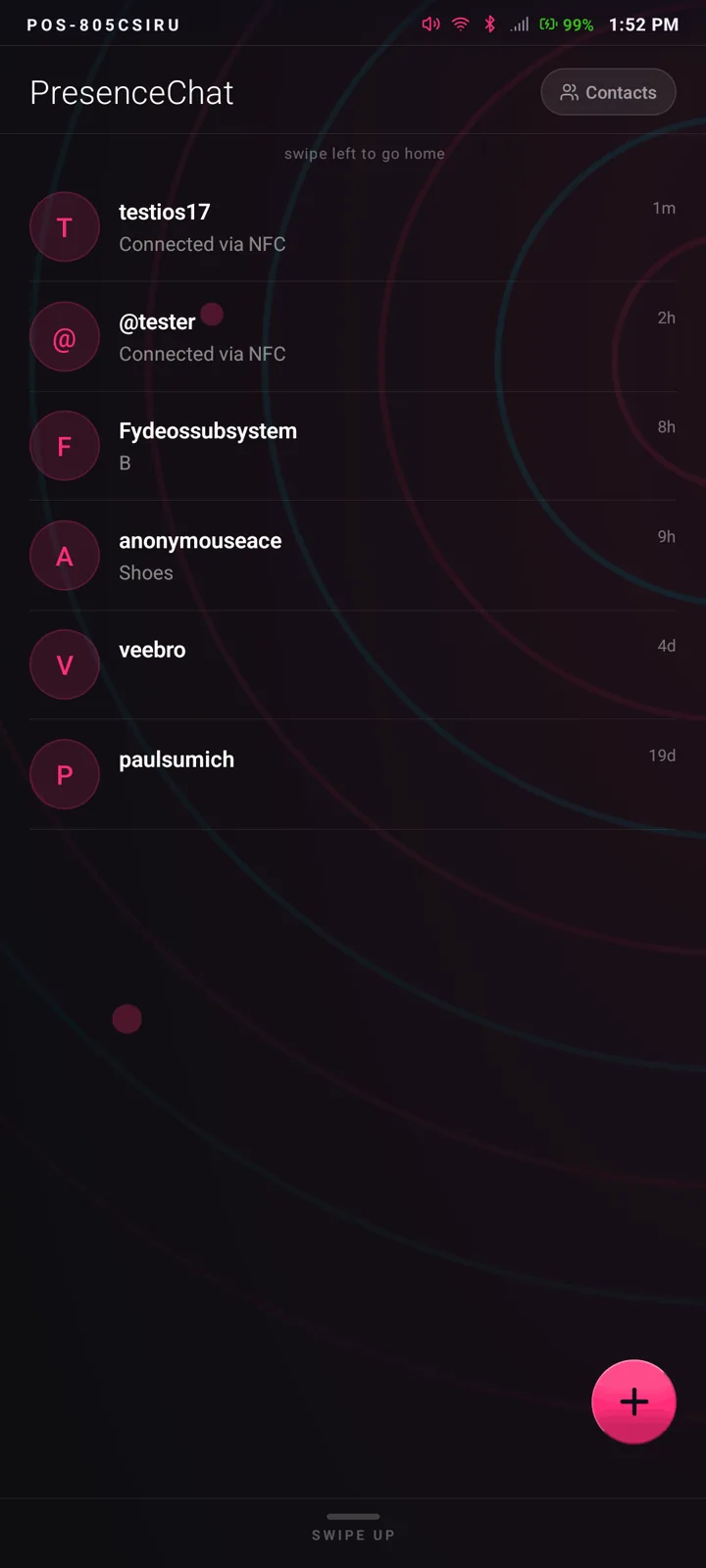
Every connection carries the time limit the two people agreed to when they paired. When it runs out, the connection expires unless both sides renew it — so the contact list stays a list of people your child actually still talks to, not an archive of everyone they've ever met.
When you delete a contact, you also delete yourself from their phone.
One action, both ends. I'm proud of this one: nobody gets to quietly keep a line open to your child after your child has closed it. There is no "they removed you but you can still see them" on PresenceOS.
The companion app runs on
the phone you already have.
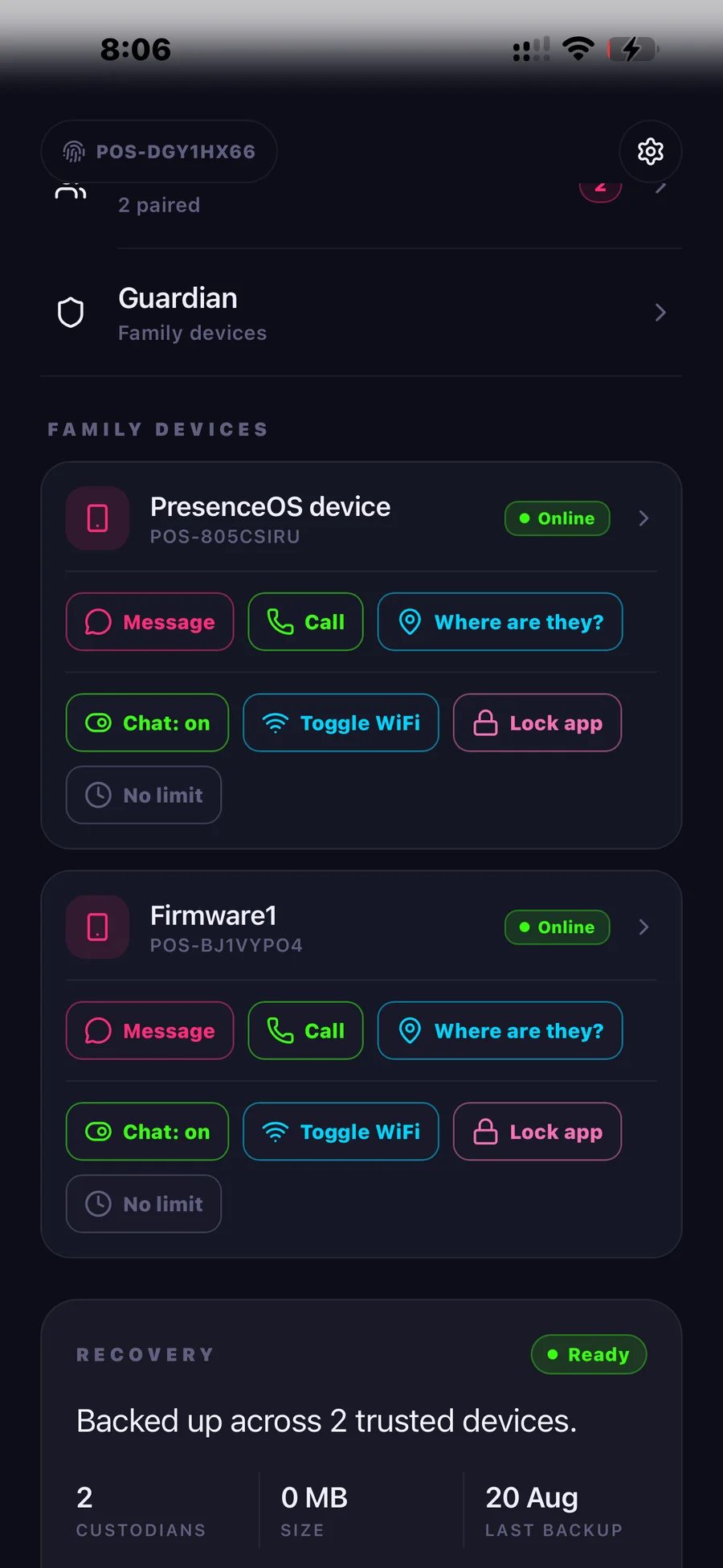
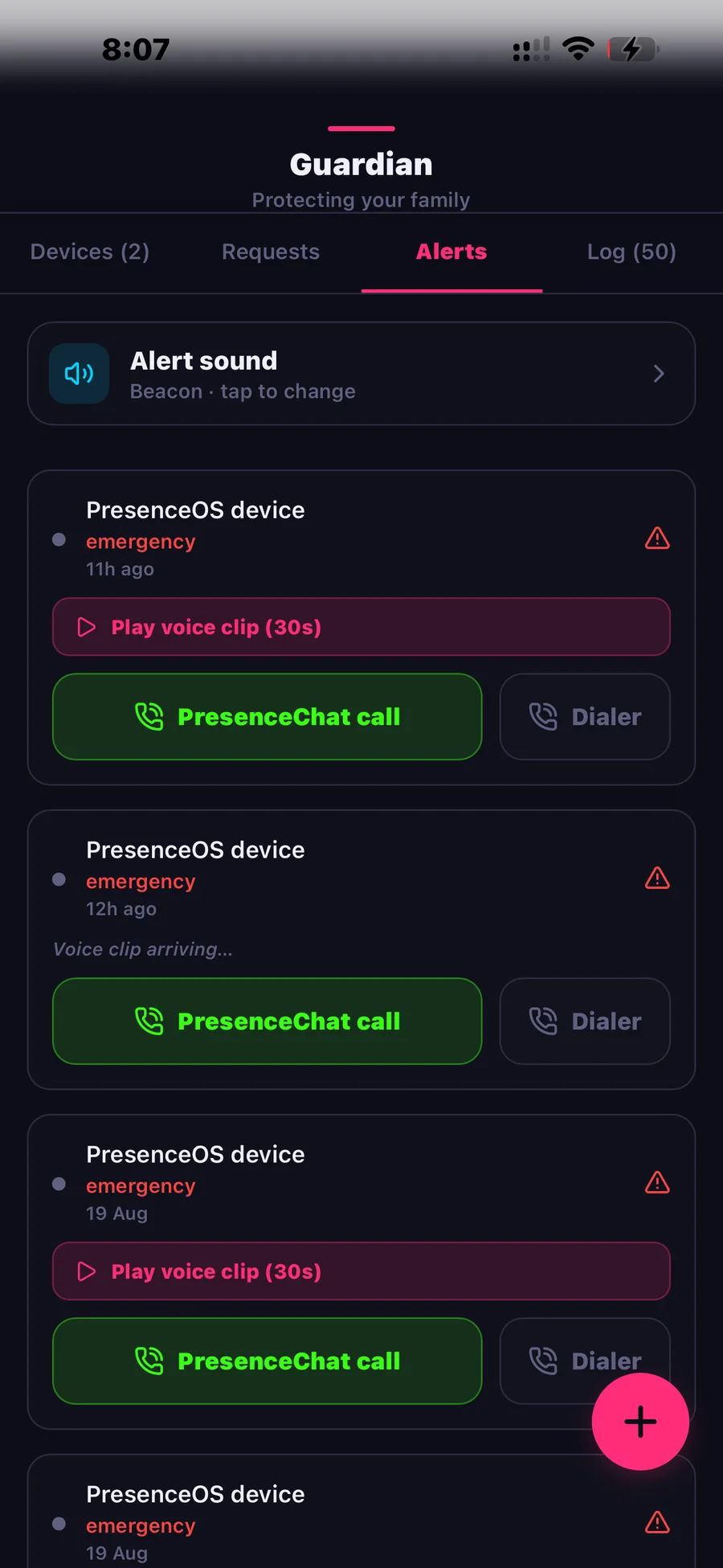
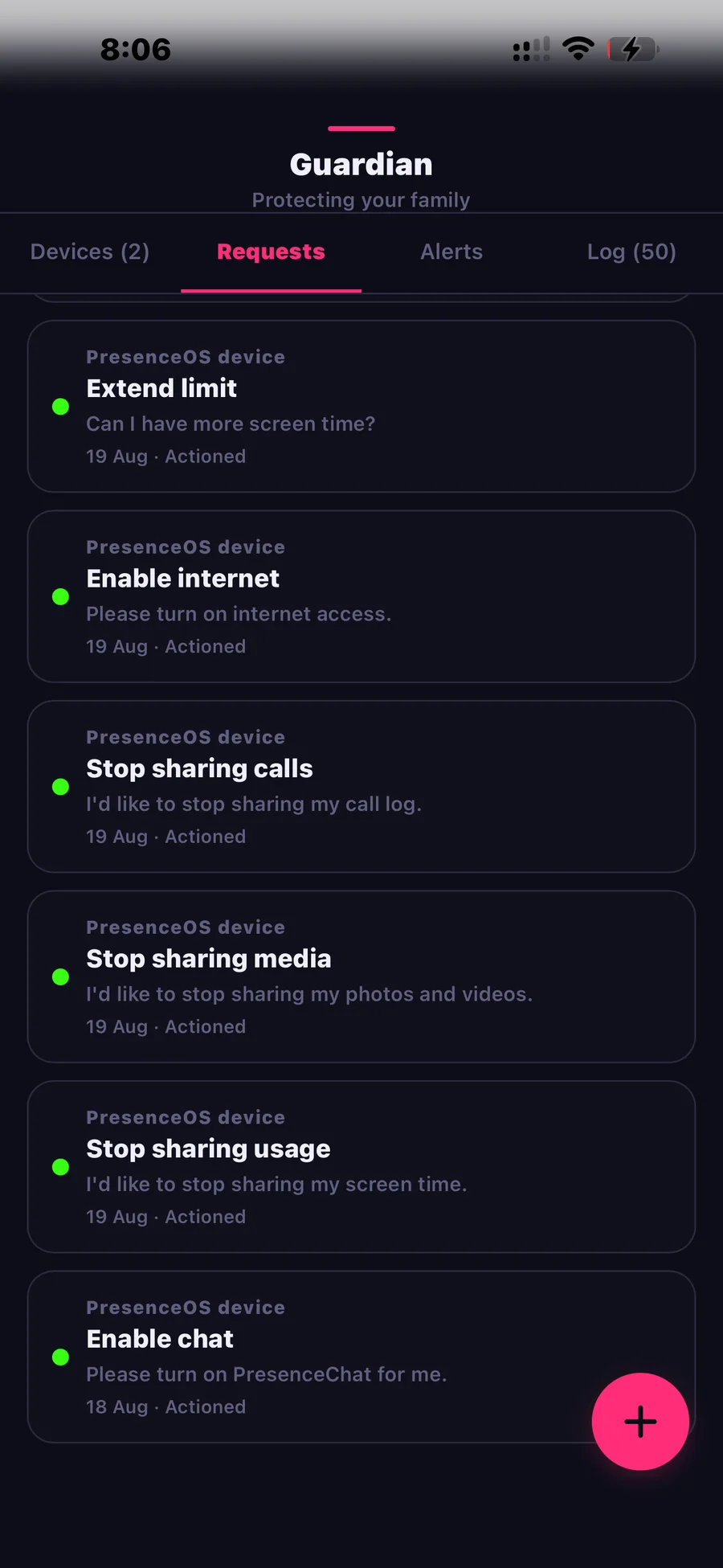
You don't switch phones yourself. Guardian Relay runs on your existing Android phone and lets you manage your child's device, receive safety alerts, approve connection requests and reset PINs. There's no account to create — no password, no email, no phone number. The app's identity is a keypair generated on your device. An iPhone version is in development.
The Companion app follows Apple's and Google's store guidelines and is sold through their app stores — the parent's side of PresenceOS lives in the normal app-store world, even though the child's device deliberately doesn't.
Kids are very good at picking locks.
I'd rather build something with no lock to pick.